
How to Make Your Own Custom Emoji Online for Free (2026 Guide with Transparent PNG Export)

Standard emoji sets are huge, yet somehow none of them ever look quite like you. Maybe you want a reaction face for your team chat, a sticker for a community server, a little mascot for a side project, or just a goofy avatar that matches your mood today. I went looking for a simple way to build my own, without installing design software, and ended up spending an afternoon playing with Emoj.si, a DIY emoji maker that runs in the browser. Here is how it works, what is free, what needs a membership, and a few tips I picked up along the way.
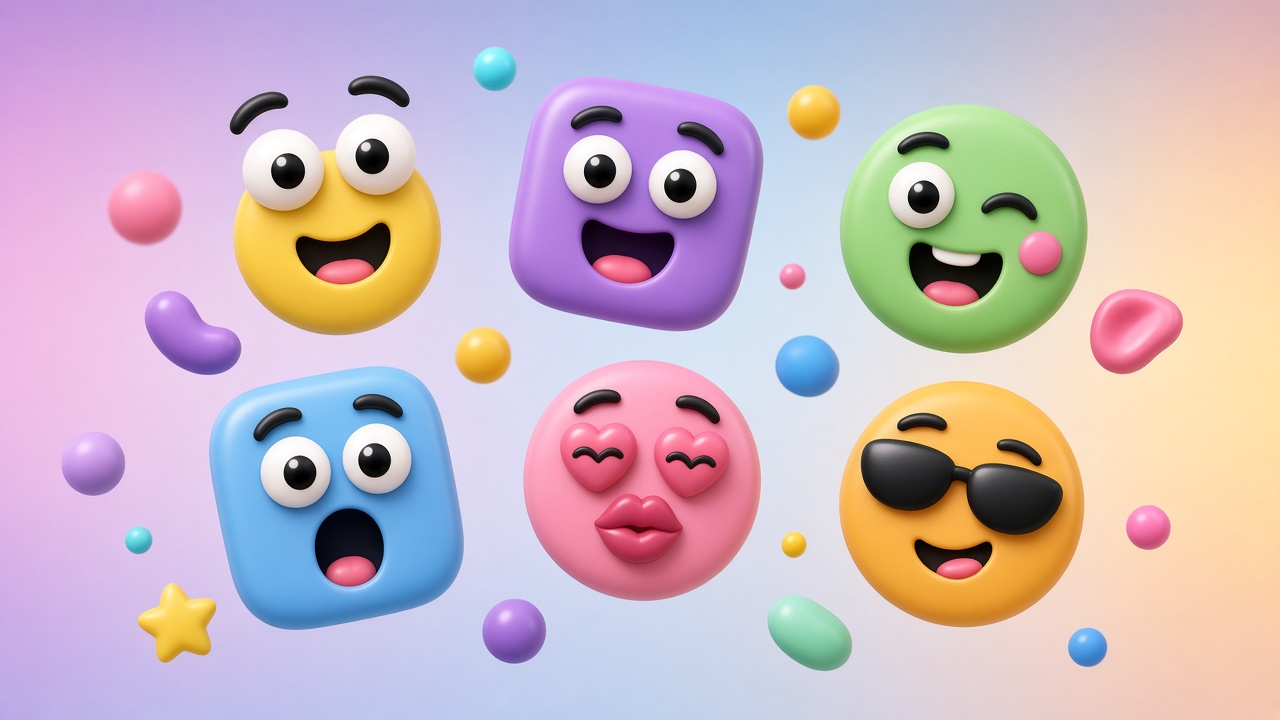
What Is Emoj.si?
Emoj.si describes itself as a DIY emoji maker with transparent PNG download. The tagline on the homepage sums up the idea nicely: “Your mood. Your emoji. Make a little face. Add a lot of you.” Instead of drawing everything from scratch, you mix, match and move ready-made pieces on a canvas, then add your own touches on top.
The editor opens right on the homepage. You get a canvas in the middle, an emoji asset library, an upload area and a layers list. There is also a Chrome extension listed in the site navigation, which lets you collect images from the web and bring them into your designs.
The part that surprised me most: every part and background in the material library is free to select, edit and favorite. You do not need an account just to start making something.
What You Can Build With It
A Library of Mix-and-Match Parts
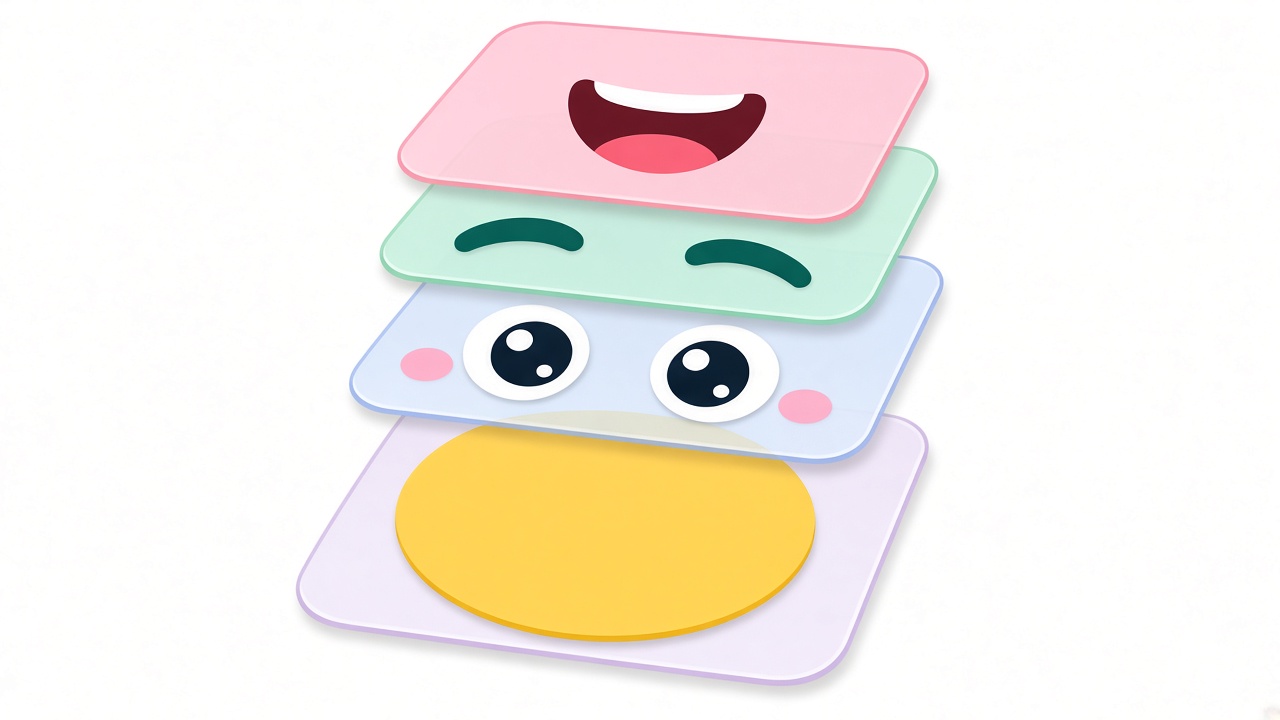
The asset library is organized into categories: Faces, Eyes, Brows, Mouths, Extras, Stickers, plus Favorites, Text and Upload. Click a part and it lands on your canvas. Base shapes and colors include options with names like Sunshine, Peach, Bubblegum, Lavender, Sky and Lime, and shapes such as Heart, Star, Squircle and Cat. There are also templates for inspiration if you do not want to start from a blank canvas.
Free-Form Layer Editing
Every piece is its own layer. You can move, resize, rotate or flip individual layers, or select everything and move, scale or rotate the whole design at once. Drag the corner handle to resize and the top handle to rotate. In the layer list, you can Ctrl/Cmd-click to select multiple parts and drag to reorder them. Undo and redo (Ctrl/Cmd + Z) make it painless to try a wild idea and back out of it.
Drawing Tools and Custom Colors
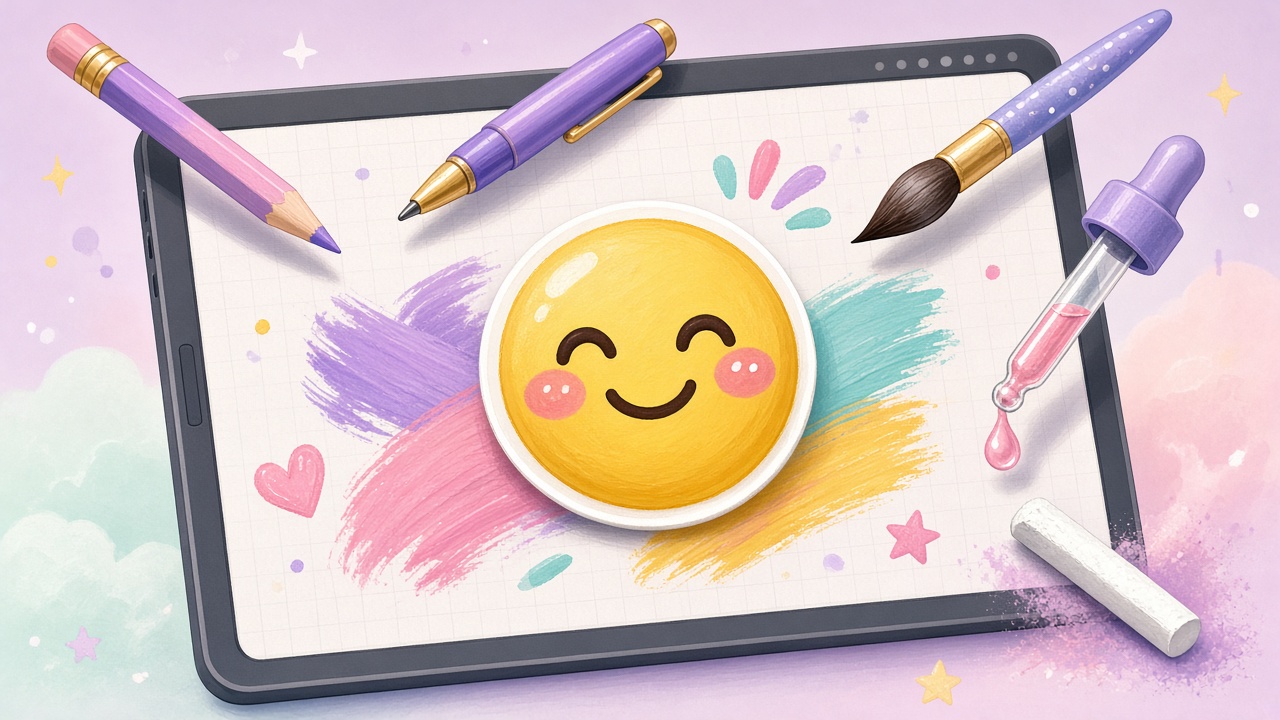
If library parts are not enough, you can draw. Emoj.si offers Pencil, Pen, Calligraphy and Chalk brushes with adjustable sizes, and you can pick a preset color or enter a custom value. You can paint on an image or start on an empty canvas to create a separate drawing layer. There is also a page eyedropper that previews colors as you move and copies the color value when you click; press Esc to exit it.
Your Own Images as Layers
Everyone can add PNG, JPG or WebP images up to 2 MB each as independent layers, including images collected with the browser extension. You can move, resize, rotate, paint on or erase them for free. Uploading does not automatically trigger any AI processing.
Step-by-Step: Making Your First Custom Emoji
Here is the simple workflow I settled into after a few attempts:
- Pick a base. Start from a template or a face shape and color from the Faces category.
- Add features. Click through Eyes, Brows and Mouths until the expression matches the mood you are going for. A big laugh, a side-eye, a sleepy face: mixing parts is where the fun is.
- Decorate. Add extras, stickers or text, or draw small details with the brushes.
- Arrange the layers. Resize, rotate and reorder pieces until everything sits right. Zoom in on the canvas to check the small details.
- Keep the background transparent if you want a cut-out emoji that works on any chat background.
- Choose an export size and download the PNG. Available sizes are 512 px, 1024 px and 2048 px (the last one is for members).
My tip: design at a comfortable zoom, but judge the result at the size it will actually be used. Emoji are often shown tiny in chat apps, so bold shapes and clear expressions read better than fine detail.
Free vs. Membership: What You Actually Get
I appreciate that the site is upfront about this in its FAQ. Here is how it breaks down:
Free for Everyone
- All library parts and backgrounds.
- Custom image uploads (PNG, JPG, WebP up to 2 MB) and imports from the browser extension.
- Drawing, erasing and layer editing.
- Transparent PNG downloads at 512 or 1024 pixels. Note that guest and free-account exports carry a watermark.
Included with Paid Plans
- Watermark-free exports up to 2048 pixels.
- AI background removal for uploaded images, with a monthly quota.
- Editable cloud designs you can reopen from your Cloud collection: up to 10 on monthly or yearly plans, and 20 on Lifetime.
The site lists monthly, yearly and Lifetime options. Lifetime is described as a one-time purchase with benefits available while the service operates. For current plan details, check the official pricing page. Plans and terms can change, so check the pricing page for current plans before you buy.
How AI Background Removal Works
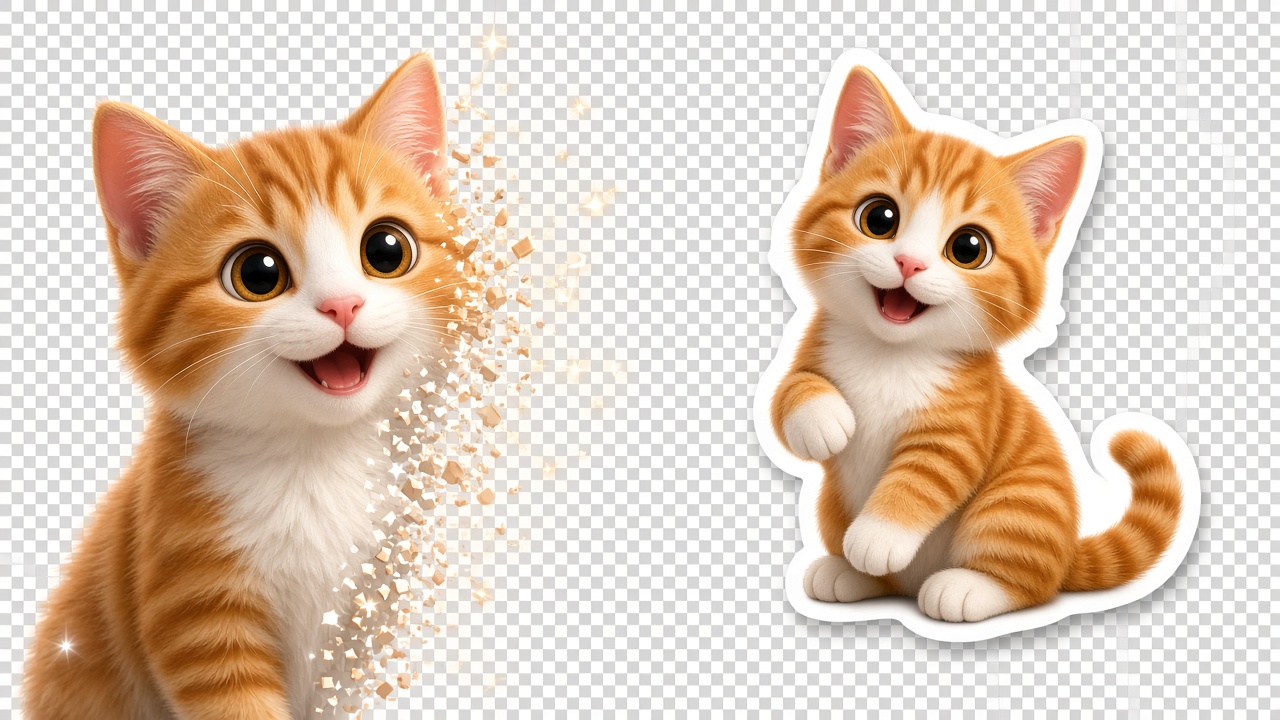
This is the feature that makes it easy to turn a photo of your pet, your face or an object into part of an emoji. Members can select an uploaded image and use Remove background. A few details from the FAQ worth knowing:
- It works on uploaded images only, not on library parts.
- The original upload is sent to Replicate for processing.
- You can preview before applying, and the replacement can be undone. Painting and erasing you have already done are retained.
- Monthly plans include 200 uses per month, yearly plans 300, and Lifetime 500. Quotas reset on the 1st (UTC+8) and do not carry over.
- A successful run counts toward your quota even if you cancel the preview; failed runs do not.
Saving and Editing Your Designs Later
Drafts are kept in the current browser tab and survive refreshes and language changes. That is convenient, but keep in mind it is tied to that tab. If you want to come back to a design days later and keep editing, members can save it as an editable cloud design.
One important detail: downloaded PNGs do not retain editable layers. If you think you will want to tweak an expression later, save the editable version, not just the PNG.
Privacy and Usage Notes
- Only use images you have permission to use, and avoid uploading sensitive personal information.
- Uploading an image does not automatically run AI processing. Background removal only happens when a member chooses to use it, and in that case the original upload is sent to Replicate.
- The site publishes a Privacy Policy, Cookie Policy, Terms of Service and Refund Policy if you want the full details.
Who Is Emoj.si For?
- Chat and community users who want custom reactions and stickers that actually feel personal.
- Creators and streamers looking for fun, on-brand faces for their audience.
- Small teams who want a few in-house emoji for team chat.
- Anyone who just wants to make a silly face for an avatar or a message without learning design software.
The interface is also available in many languages, which makes it easy to share with friends around the world.
Final Thoughts
If you have ever wished there was an emoji for exactly how you feel, Emoj.si is a genuinely fun way to make one. The free tier is generous enough to try everything in the library, draw, upload your own images and download transparent PNGs. If you end up using your creations a lot, membership adds watermark-free HD exports, AI background removal and cloud saves. Start with a template, change the eyes and mouth, and see where it takes you.
This post contains promotional links. Features and pricing are subject to the official website.
